Tenant and Leasing Workflows for Residential Property
Run viewings, applications and documentation as one tracked workflow, flag the stalled step before it becomes a vacant week, and let the tenant file build itself so every turnover is a refresh, not a rebuild. Quanthome runs residential tenant and leasing workflows on the Quanthome Data Engine, as a layer over your existing property management software: viewings scheduled, applications moved through explicit steps, documentation captured as each step happens. Every unit is tracked against its turnover timeline and the tenant file is complete the moment the lease is signed, so each turnover is a refresh rather than a rebuild.
See the whole queue, lose no step.
See every unit in turnover
Watch each unit move from first viewing to signed lease in one tracked queue, so the status of every file is a fact in the workflow rather than something pieced back together from inboxes and spreadsheets.
Stop coordinating by hand
Viewings, applications and documents are captured as each step happens, so no one chases the queue or reassembles the tenant file at the end. The file is complete the moment the lease is signed.
Catch the stall, not the vacancy
Each unit is tracked against its turnover timeline, so a stalled step is flagged while it is still a scheduling problem, and a process mapped once reopens as the workflow for every turnover that follows.
How leasing teams run the queue with nothing dropped
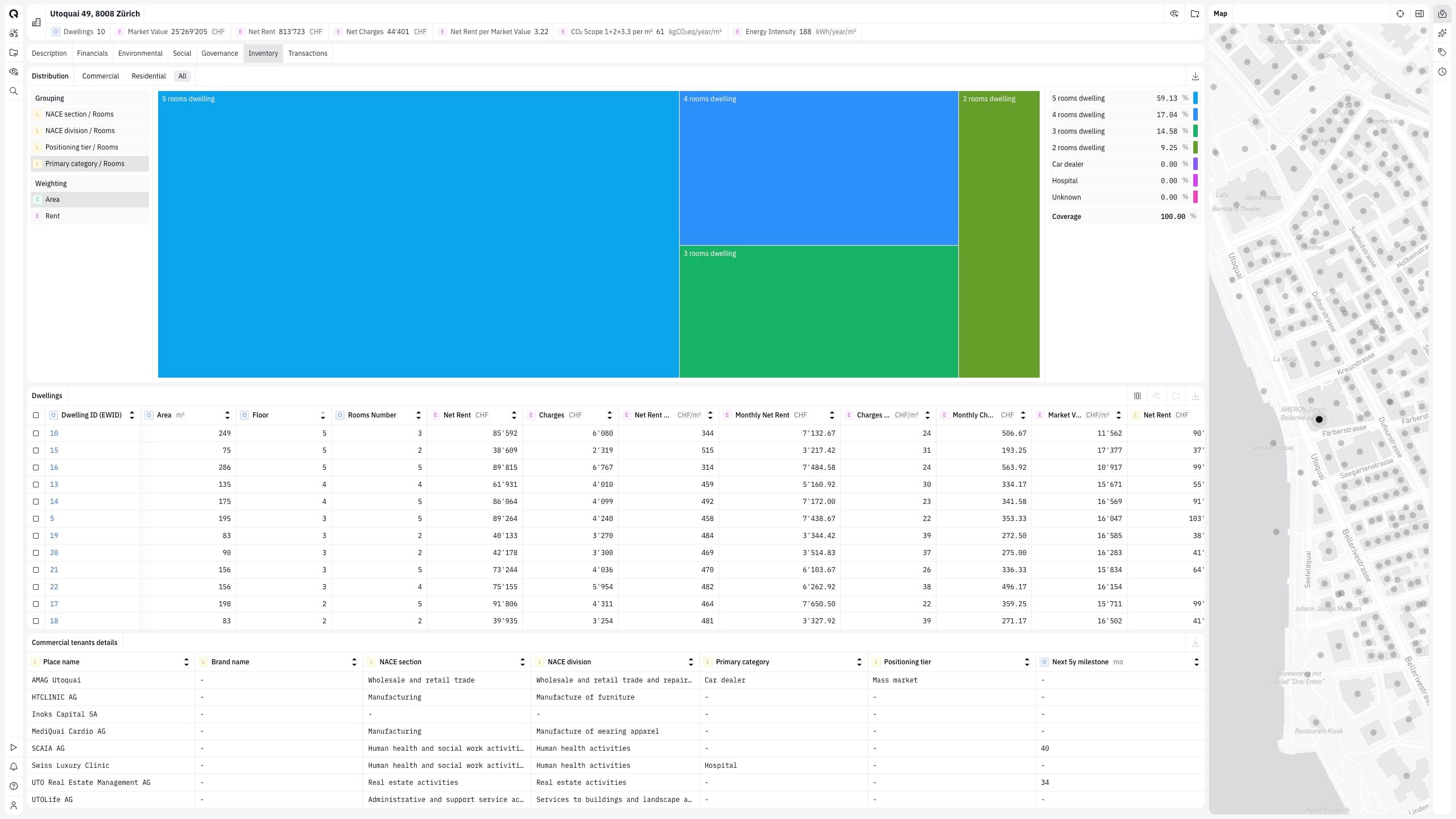
Schedule viewings, move applications through explicit steps and capture documentation in one workflow, so the queue stops living in inboxes and spreadsheets. Every unit in turnover is visible in one place, from the first viewing to the signed lease. The status of each file is a fact in the workflow, not a memory. Workflows run on the Quanthome Data Engine, over your existing property management software. No migration, and leasing and projects share one operating model.
Each unit's progress is compared against its turnover timeline continuously, not reconstructed when someone asks where the file stands. A stalled viewing or a waiting application is flagged as it happens, before the dropped step becomes a vacant week of lost rent. Volume stops causing misses. The team spends the day on tenants, not on coordination.
Each step is documented as it happens, so the tenant file is complete the moment the lease is signed and the unit moves straight to occupied. Nothing is assembled at the end. The signed file carries its viewings, its application and its documents forward. A leasing process mapped once becomes the workflow for every turnover that follows. Set-up moves from rebuilding to refreshing.
Built for
The Swiss real estate desks this job is built for.
Owners & operators
Quanthome gives direct asset owners and the property managers who run their buildings one consistent, building-level view, performance, tenancy, capex and risk, from the same data.
Asset allocators & indirect real estate investors
One view across your direct buildings and your indirect holdings, down to the building, for the reports and decisions your team owns.
See How Quanthome Supports Tenant and Leasing Workflows
Residential turnover in Switzerland: what a dropped step costs in vacant weeks
The leasing queue as a workflow: moving coordination out of inboxes and spreadsheets
Tenant files that build themselves: documentation captured at the step, not assembled at signing
What People Ask Before the First Turnover
What is a tenant and leasing workflow?
A tenant and leasing workflow is the tracked sequence a residential turnover moves through: viewings scheduled, applications advanced through explicit steps and documentation captured as each step happens. It runs on the Quanthome Data Engine, as a layer over your existing property management software, so the status of every unit in turnover is a fact in the workflow rather than a memory.
Do we have to change our property management software?
No. It is a workflow layer on the Quanthome Data Engine that sits over the software you already use, adding structure and tracking without a migration. The same layer runs capex and development workflows, so leasing and projects share one operating model and the underlying systems stay in place.
Which steps does the workflow cover?
Viewing scheduling, application support and documentation: the repetitive steps of residential turnover, tracked end to end. Each viewing is booked and tracked inside the workflow, applications advance through a clear set of steps, and every document is captured as the step happens, so by the time the lease is signed the tenant file is complete.
How does it prevent vacant weeks?
Each unit is tracked against its turnover timeline, so a stalled viewing or a waiting application is flagged as it happens rather than discovered once the unit sits empty. The dropped step is caught while it is still a scheduling problem, before it becomes a vacant week of rent the owner never gets back.
Who are tenant and leasing workflows built for?
Property managers with residential turnover, and investment managers with in-house leasing teams carrying the same queue. The same workflow serves the leasing team day to day and the owner's review: the team works in the tracked queue, and the review opens on current status rather than on a reconstructed one.
One workflow layer. Leasing queues that run without dropped steps.
Tell us the leasing process and the queue. We will map it into one tracked workflow with you in a working session.
Book a working session