Workflows for Capex and Development Projects
Run documentation, approvals, cost and schedule in one tracked workflow, flag delay and overrun as they emerge, and keep the project file current so every review is a refresh, not a rebuild. Quanthome runs capex and development projects as tracked workflows on the Quanthome Data Engine: documentation gathered into one findable file, approval steps explicit and tracked, and cost and schedule risk flagged as it emerges. The project file stays current across the life of the project, so every review is a refresh rather than a rebuild.
Run the whole project from one tracked file.
See the project in one place
Documentation, approval steps and cost-against-plan sit in one tracked file rather than scattered across folders and inboxes, so the status of the project is a fact in the workflow, not a memory.
Stop reassembling the file
Cost and schedule are compared against budget and plan continuously, so nobody re-collects documents or reconstructs where approvals stand from inboxes before each steering review.
Flag the drift, open on current
A delay or an overrun is flagged as it emerges, while options are still open, and the file carries forward so every review opens on current status rather than a rebuild.
How development teams run capex from one tracked file
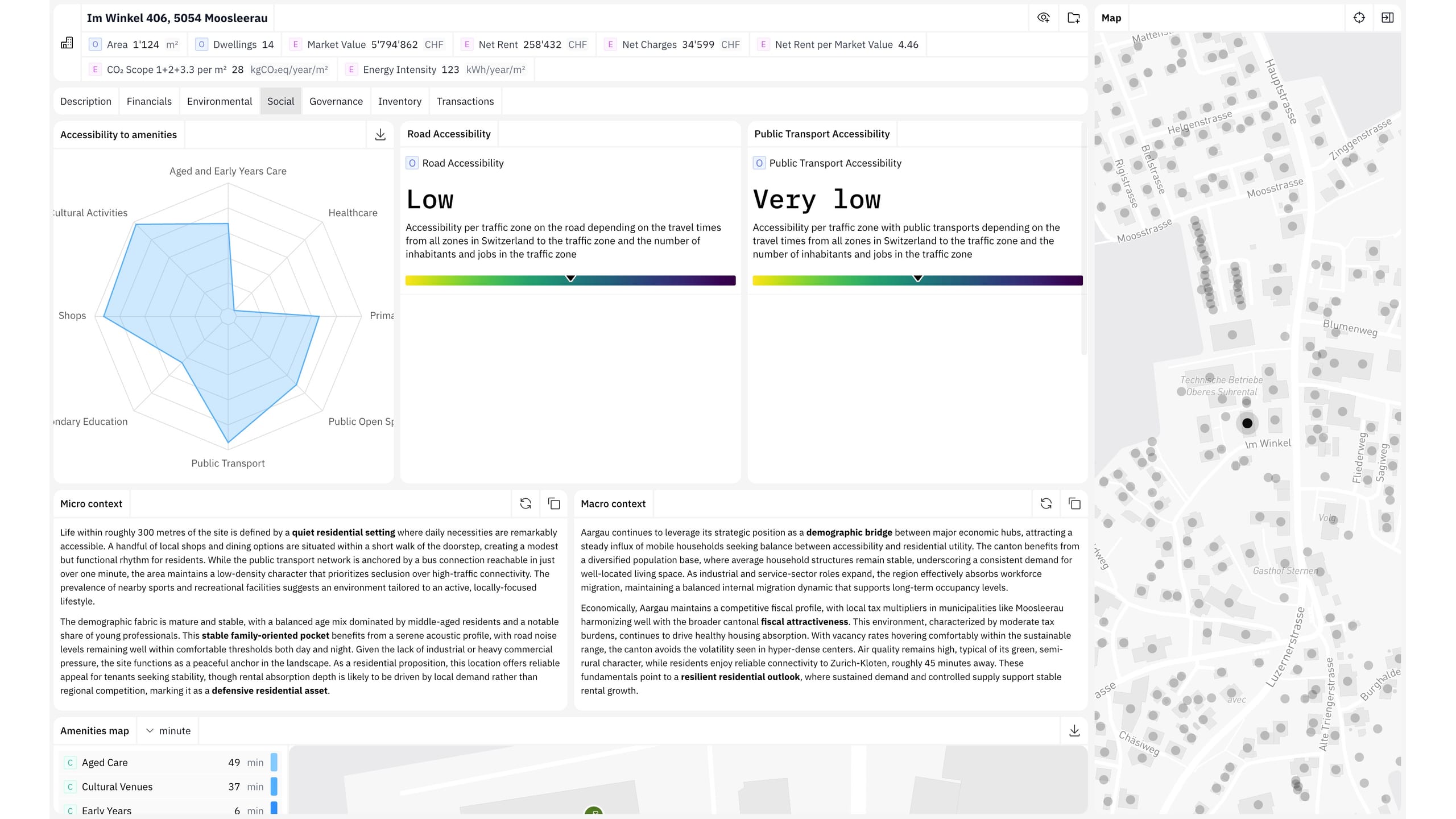
Gather every project document into one workflow, so the development file is findable in one place rather than scattered across folders and inboxes. Approval steps are explicit and tracked. The status of the file is a fact in the workflow, not a memory. Workflows run on the Quanthome Data Engine, over your existing property management software. Leasing and projects share one operating model.
Cost and schedule data sits in the workflow and is compared against budget and plan continuously, not assembled for the next review. A delay or an overrun is flagged as it emerges, while options are still open and before the budget is committed. The team prevents the variance instead of explaining it after the fact.
The project file carries its documentation, its approval history and its cost track forward across the life of the project. Each steering review opens on current status rather than on a file reassembled from folders and inboxes. A workflow mapped once becomes the starting point for the next project. Set-up moves from rebuilding to refreshing.
Built for
The Swiss real estate desks this job is built for.
Owners & operators
Quanthome gives direct asset owners and the property managers who run their buildings one consistent, building-level view, performance, tenancy, capex and risk, from the same data.
Asset allocators & indirect real estate investors
One view across your direct buildings and your indirect holdings, down to the building, for the reports and decisions your team owns.
See How Quanthome Supports Capex and Development Workflows
Capex tracking in real estate: why overruns surface at the review instead of in the data
Development approvals: making the status of a project file a fact rather than a memory
Cost and schedule variance: flagging the drift while the options are still open
What People Ask Before the First Project
What is a capex and development workflow?
A capex and development workflow is the tracked sequence a project file moves through: documentation gathered in one place, approval steps laid out and recorded, and cost and schedule data kept against the plan. It runs on the Quanthome Data Engine, over your existing property management software, so the status of a development project is a fact in the workflow rather than a memory.
How does it surface cost and schedule risk earlier?
Cost and schedule data sits in the workflow and is compared against budget and plan continuously, so a delay or an overrun is flagged as it emerges rather than discovered at the next review. The flag arrives while options are still open and before the budget is committed, so the team prevents the variance instead of explaining it.
Does it handle approvals?
Yes. Approval steps are laid out explicitly and tracked in the workflow, so each step is marked approved, pending or blocked and the status of a development file is always current. Nobody reconstructs where the file stands from inboxes: the status is a fact in the workflow rather than whatever someone last remembered.
Do we have to change our property management software?
No. Capex and development workflows run on the Quanthome Data Engine, a workflow layer that sits over your existing property management software. The same layer runs tenant and leasing workflows, so projects and leasing share one operating model and the development file is tracked the same way, without migrating the underlying systems.
Who are capex and development workflows built for?
Property managers running commercial and mixed projects, developers, and investment managers with active development in their portfolios. The same workflow serves the project team day to day and the steering review: the team works in the tracked file, and the review opens on current status rather than on a reassembled one.
One workflow layer. Project files that stay current across every review.
Tell us the project and the approval steps. We will map documentation, approvals and risk into one workflow with you in a working session.
Book a working session